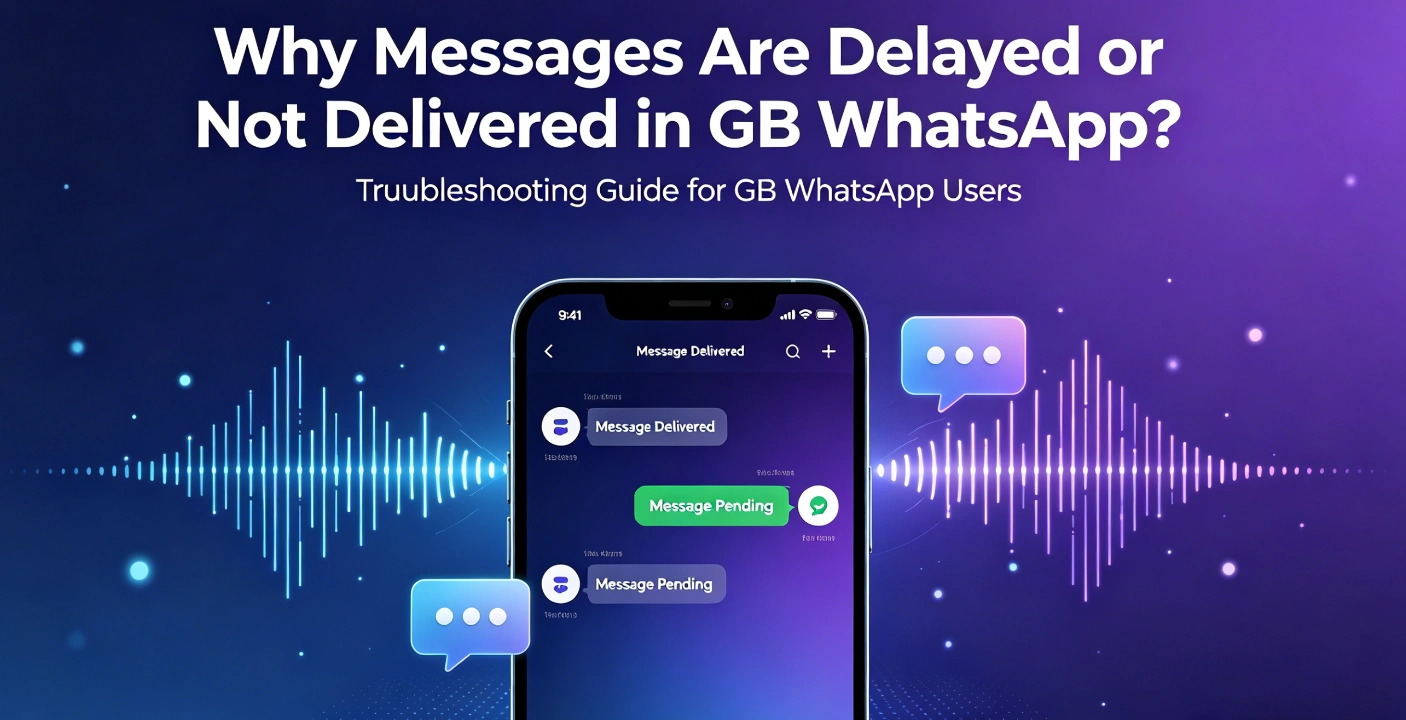
Why Messages Are Delayed or Not Delivered in GB WhatsApp?
One of the most frustrating issues users face is message delay or undelivered messages. Sometimes messages appear late, fail to send, or only deliver when the app is opened. This creates confusion and affects communication reliability.
GB WhatsApp offers advanced features, but due to its modified nature, message delivery can sometimes behave differently compared to official messaging apps.
Understanding the root cause is important before attempting any fixes.
How Message Delivery Normally Works
In messaging apps, delivery depends on background connection to servers. When the app is running in the background, it maintains a lightweight connection to receive incoming messages instantly.
If this background connection is interrupted or restricted, messages may be delayed until the app is reopened.
Main Reasons for Message Delay
One of the most common reasons is background restriction from the operating system. Modern Android versions limit background activity to save battery, which can interrupt message synchronization.
Another reason is aggressive battery optimization settings. When the system puts GB WhatsApp into sleep mode, real-time message delivery is paused.
Unstable internet connection is also a major factor. Switching between Wi-Fi and mobile data can cause temporary delays in message routing.
In some cases, modified app versions may not maintain stable server connections, especially if the build is outdated or poorly optimized.
App Cache and Performance Issues
Over time, cached data inside the app can slow down message processing. Large media files, chat backups, and stored logs may reduce performance efficiency.
When cache becomes too large, the app may take longer to sync new messages or refresh chat lists.
Device-Level Restrictions
Some smartphone brands include aggressive power-saving systems. These systems automatically restrict background apps, especially messaging apps that are not officially recognized.
If GB WhatsApp is placed under restricted mode, message delivery becomes inconsistent.
How to Fix or Improve Message Delivery
The first step is to allow unrestricted background activity for the app. This ensures it can stay connected even when not actively used.
Disabling battery optimization for GB WhatsApp can also improve real-time delivery.
Ensuring a stable internet connection is essential. Wi-Fi is generally more reliable than mobile data for continuous messaging.
Clearing cache occasionally helps improve performance and reduces processing delays.
Restarting the device can also reset background services and restore normal connectivity.
Long-Term Considerations
Users should understand that modified apps may not always offer the same stability as official messaging platforms. While they provide additional features, performance trade-offs can occur depending on device and system settings.
Keeping the app updated and using it on a well-optimized device significantly reduces most delivery issues.