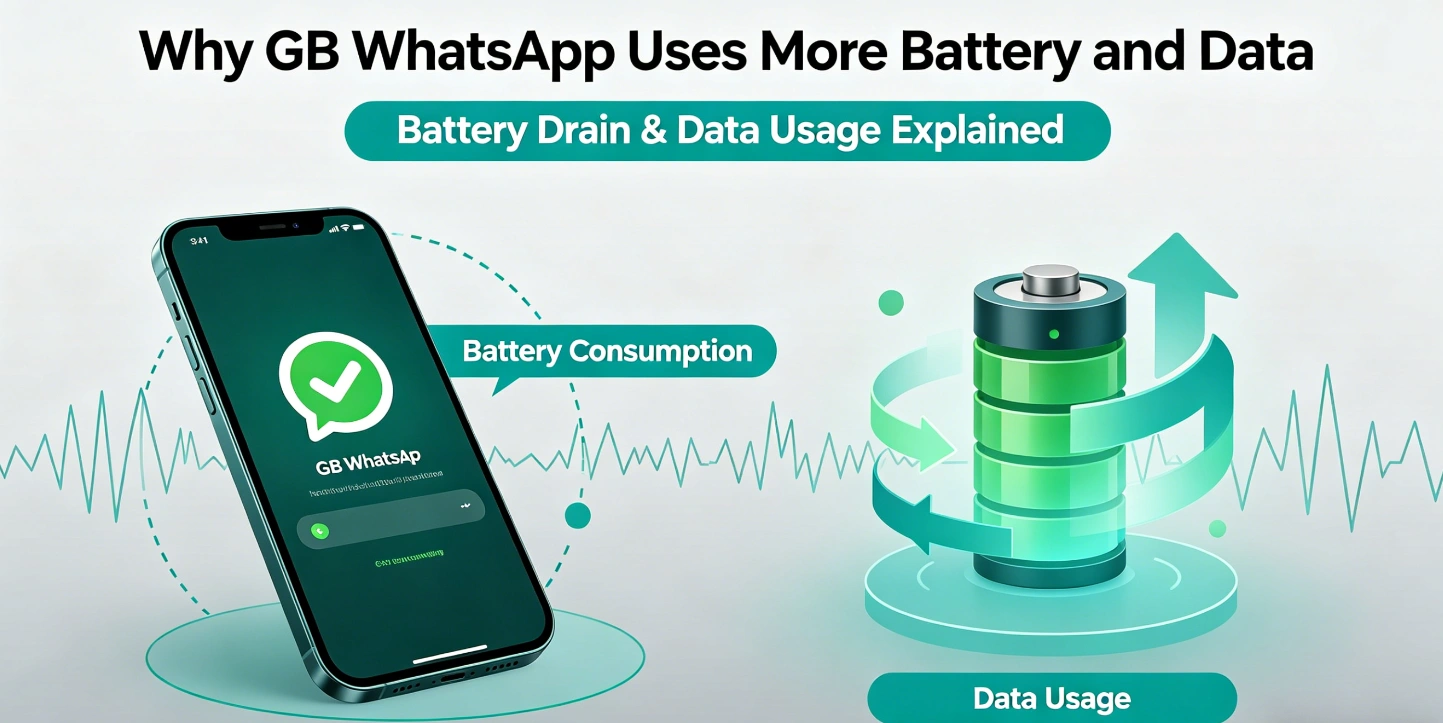
Why GB WhatsApp Uses More Battery and Data (And How to Reduce It Effectively)
Many users notice that their phone battery drains faster and mobile data usage increases after installing GB WhatsApp. This is one of the most common concerns for long-term users who rely on modified messaging apps for daily communication.
GB WhatsApp is designed with additional features such as advanced themes, background processes, auto-reply tools, and enhanced media handling. While these features improve user experience, they also increase resource consumption compared to the official WhatsApp application.
Unlike the official version, GB WhatsApp runs more background tasks. These include theme rendering, privacy modules, and extended notification services. Each of these processes requires CPU power and memory usage, which directly affects battery life.
Why Battery Drain Happens
There are several technical reasons why GB WhatsApp consumes more battery:
First, the app keeps multiple background services active even when it is not open. These services are responsible for message delivery, online status control, and customization features.
Second, auto-sync functions run more frequently than standard apps. This ensures messages appear instantly but increases wake-up cycles of the processor.
Third, media-heavy usage such as sending high-resolution images, videos, and stickers contributes significantly to energy consumption. GB WhatsApp allows larger file transfers, which means more processing power is needed during uploads and downloads.
Fourth, some versions include extra visual effects, themes, and animations. These UI enhancements are not optimized for low power usage.
Why Data Usage Is Higher
Data consumption increases for similar reasons. GB WhatsApp often refreshes chat content more aggressively to maintain real-time updates. It may also pre-load media files such as images and videos to improve user experience.
Another factor is auto-downloading settings. Many users unknowingly allow automatic media downloads over mobile data, which significantly increases usage.
Additionally, backup or local storage duplication processes can sometimes trigger repeated data reads, especially in older or unstable builds.
How to Reduce Battery Consumption
Even though GB WhatsApp consumes more resources, users can optimize settings to reduce impact.
One effective method is disabling background activity where possible. Limiting background processes reduces unnecessary CPU wake-ups.
Another method is controlling media auto-download. Setting downloads to Wi-Fi only can drastically reduce data usage.
Users can also disable or reduce theme animations. Static themes use fewer system resources compared to animated ones.
Lowering notification frequency or disabling unnecessary chat alerts can also help conserve battery.
Device Optimization Matters
Battery performance is not only about the app itself but also device optimization. Phones with limited RAM or older processors will naturally struggle more with modified apps.
Closing unused apps in the background and enabling battery saver mode can improve overall efficiency.
Keeping the app updated is also important because newer versions often include performance improvements and bug fixes.
Should You Be Concerned?
Battery and data usage differences are expected when using feature-rich modified apps. GB WhatsApp provides advanced tools that come with additional system requirements.
For users who prioritize customization and extra features, the trade-off is usually acceptable. However, users focused on efficiency and battery life may prefer lighter messaging apps.