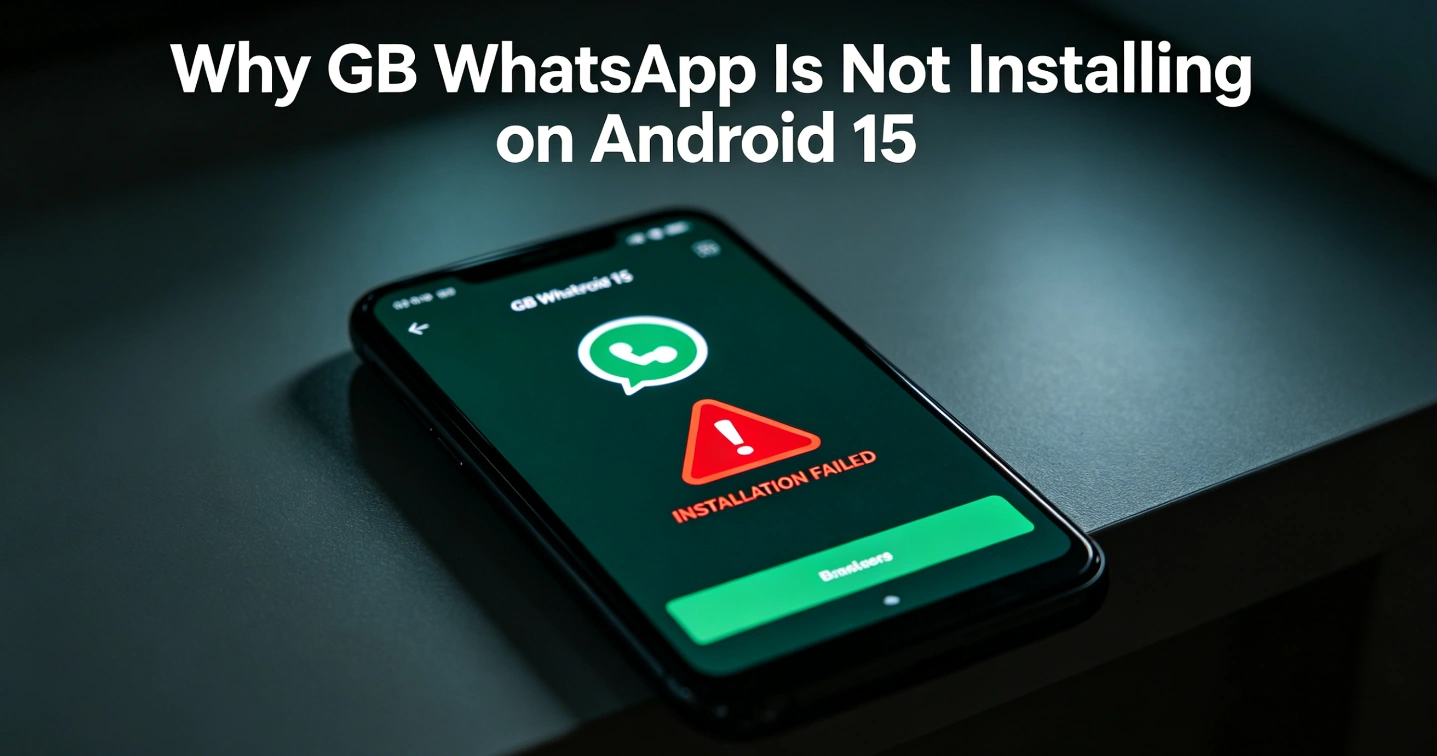
Why GB WhatsApp Is Not Installing on Android 15
GB WhatsApp usually fails to install on Android 15 because of a mix of system restrictions + app incompatibility + security blocking. Android 15 is much stricter than older versions, and modded apps like GB WhatsApp are often the first to break.
Here are the real reasons:
1. Android 15 blocks modified APKs (strongest reason)
Android 15 has tighter app security (sandboxing + integrity checks).
GB WhatsApp is a modified (unofficial) WhatsApp build, so the system may reject it during installation.
- Signature mismatch → “App not installed”
- Integrity verification fails
- System-level protection blocks unknown modded packages
2. Play Protect or system security is blocking it
Even if you install manually, Android’s security layer may stop it.
- Google Play Protect flags GB WhatsApp as “harmful”
- Installation gets silently blocked or fails at 80–100%
3. App conflict with official WhatsApp
If the official WhatsApp is still installed (or partially uninstalled), Android 15 may reject GB WhatsApp.
- Same package conflict (
com.whatsapp) - Residual data left in system folders
4. Incompatible with Android 15 framework changes
GB WhatsApp is not updated through official channels, so many versions:
- Don’t fully support Android 14/15 APIs
- Crash or fail parsing during install
- Cannot adapt to new storage permissions
5. Corrupted or outdated APK file
Very common with GB WhatsApp downloads:
- Incomplete APK download
- Fake or repackaged versions
- Wrong architecture (ARM/ARM64 mismatch)
6. Storage / permission restrictions (less common but real)
- Not enough storage space
- “Install unknown apps” not enabled for browser/file manager
- Device policy restrictions (work profile / managed device)
Quick reality check
On Android 15 specifically, GB WhatsApp issues are not just bugs—they’re mainly caused by:
👉 OS security upgrades + app being unofficial and unverified
If you want it to install anyway (high-level options)
- Remove official WhatsApp completely (including leftover folders)
- Disable Play Protect temporarily
- Use a clean, verified APK version (many fake ones exist)
- Ensure correct ARM64 build + latest mod version